
Burning Bridges: one photo, one chandelier toast
How the Burning Bridges scene works, which photo to choose, and what to expect from the 15-second and 5-second cuts.
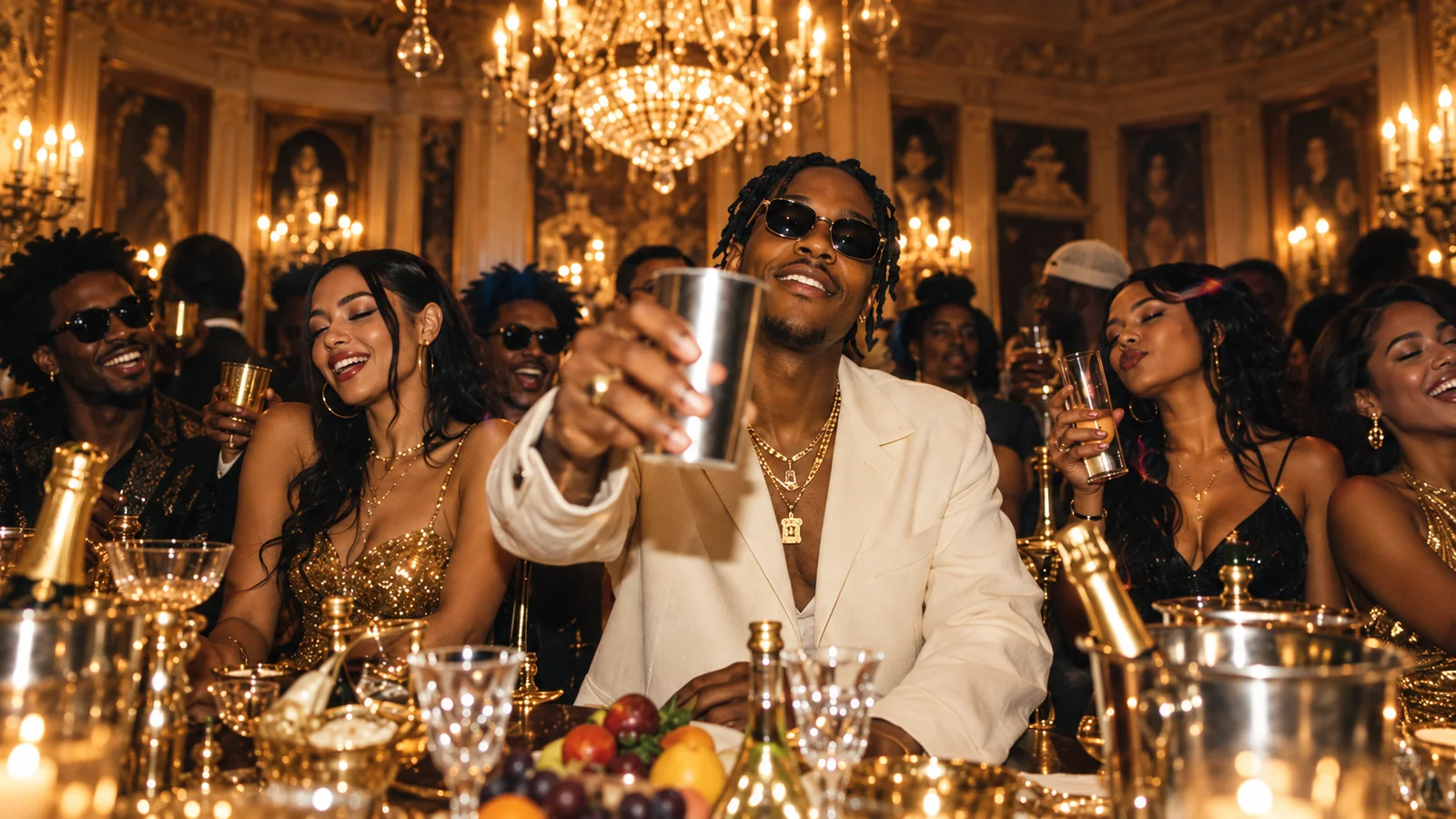
Burning Bridges is the scene for the friend who always raises the toast. A chandelier-lit dinner, a room full of people, and one steady camera move: your photo becomes the person at the center of it.
What the scene gives you
The reference video is fixed. The camera, the table, the chandelier and the timing of the toast all stay the same. Your face and hair are the part that changes.
That is why the result feels like a scene rather than a loose animation: the performance is already staged, and your photo steps into it.
The photo that works best
Use one clear photo of a single adult, facing the camera.
- Keep the face, hair and upper body visible.
- Make sure nothing covers the face — no hands, no phone, no dark sunglasses.
- A well-lit, front-facing photo gives the model the most to work with.
You do not need a formal portrait. A clean selfie or a cropped photo from a group shot can work, as long as your face is sharp and unobstructed.
The two cuts
Burning Bridges comes in two versions:
- 15 seconds, 720p — the full toast, 740 credits.
- 5-second preview, 720p — the opening beat, 250 credits.
Both use the same scene and the same photo. The short cut is a cheaper way to test a photo before committing to the full version.
What to expect
The output is a 16:9 video. The scene's original soundtrack is added to the final video, so the toast keeps the timing and sound of the reference.
If the photo is blurry, turned away, or heavily filtered, the face will not read well in the wide shot. Start with a sharp, straight-on photo and the scene does the rest.