What you get
Use 1 photo to make a 12-second video. Available resolution: 480p / 720p. The scene keeps its camera moves, choreography and lighting.
 AI4MEME
Music & Dance
Turn one photo into a confident bridge-side performance with bold hand gestures and music-video energy.
SCENE GUIDE
Turn one photo into a confident bridge-side performance with bold hand gestures and music-video energy. This page covers the photo, timing and credits before you upload.
Use 1 photo to make a 12-second video. Available resolution: 480p / 720p. The scene keeps its camera moves, choreography and lighting.
From 190 credits. The available quality options set the credit cost.
The fixed sequence alternates bridge-side front-facing performance and turn-away shots, with hand gestures and camera timing already set.
Choose a photo that reads clearly from the front. The scene turns away at times, so the face is most visible in its front-facing shots.
The final video uses this scene’s original soundtrack. The name refers to Stormzy’s 2019 track “Vossi Bop”; this is an independent AI4MEME template.
Stormzy — “Vossi Bop” official video (external)Use one clear photo of a single adult, facing the camera. Keep the face, hair and upper body visible, without hands covering the face. The performance turns away from the camera at times; your face appears in the front-facing moments. The original soundtrack is added to your video.
Render time varies by scene and queue. This clip is 12 seconds long.
From 190 credits. The available quality options set the credit cost. Plan credits refresh monthly. Pack credits never expire.
Yes. Source uploads are deleted within 24 hours, creations are private by default, and failed renders refund credits.
No. The fixed performance includes moments facing away from camera, while your face appears in the front-facing shots.
Yes. This scene adds its original soundtrack to the final video.
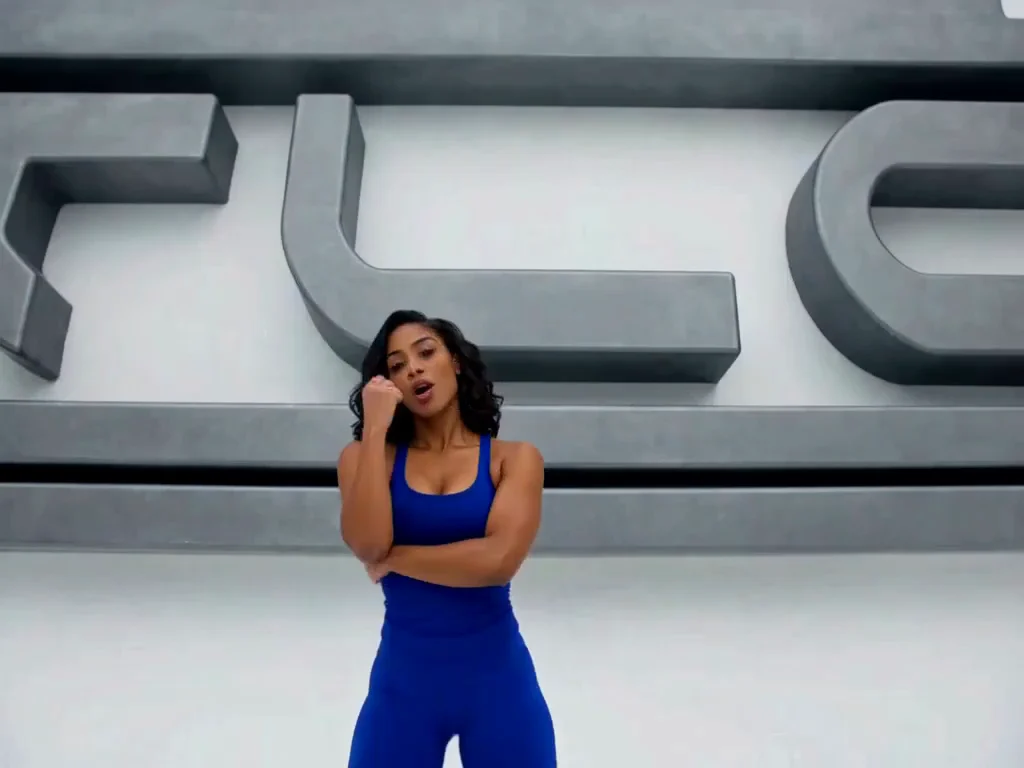
3 photos · 16 sec · 4:3
1,520 credits
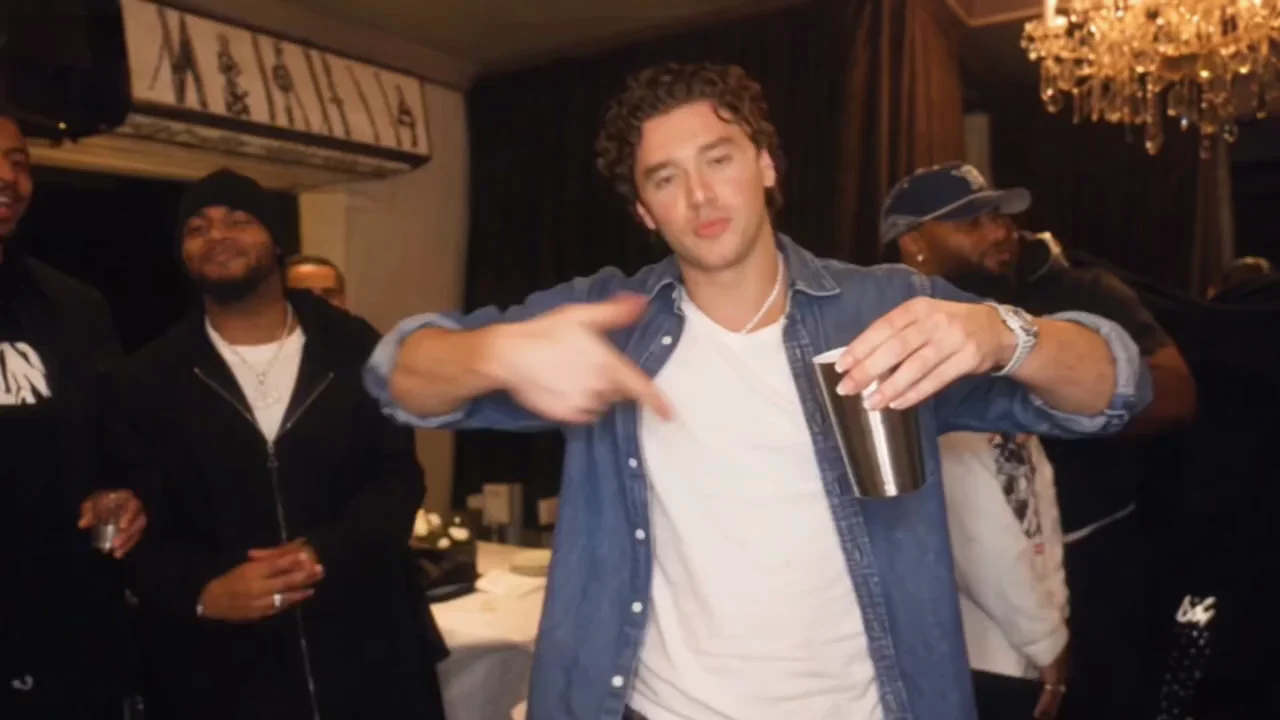
1 photo · 5–15 sec · 16:9
From 250 credits
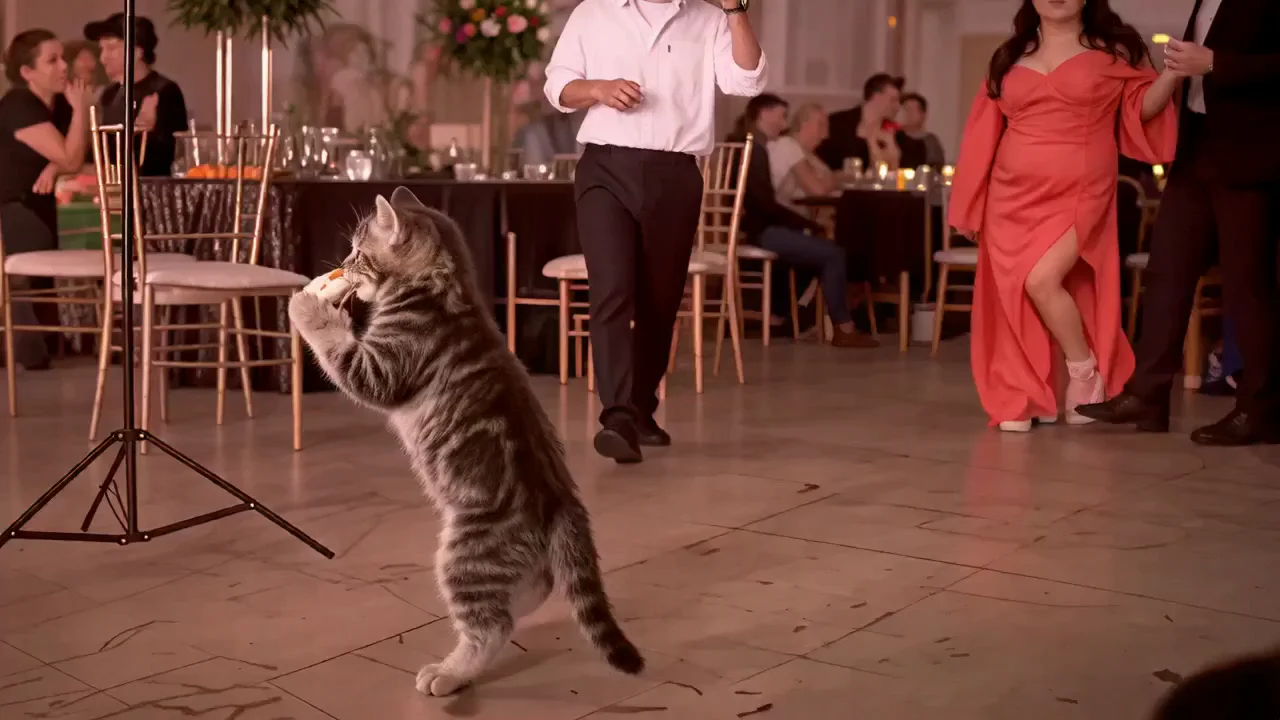
1 photo · 10 sec · 9:16
1,260 credits