
 +60 free
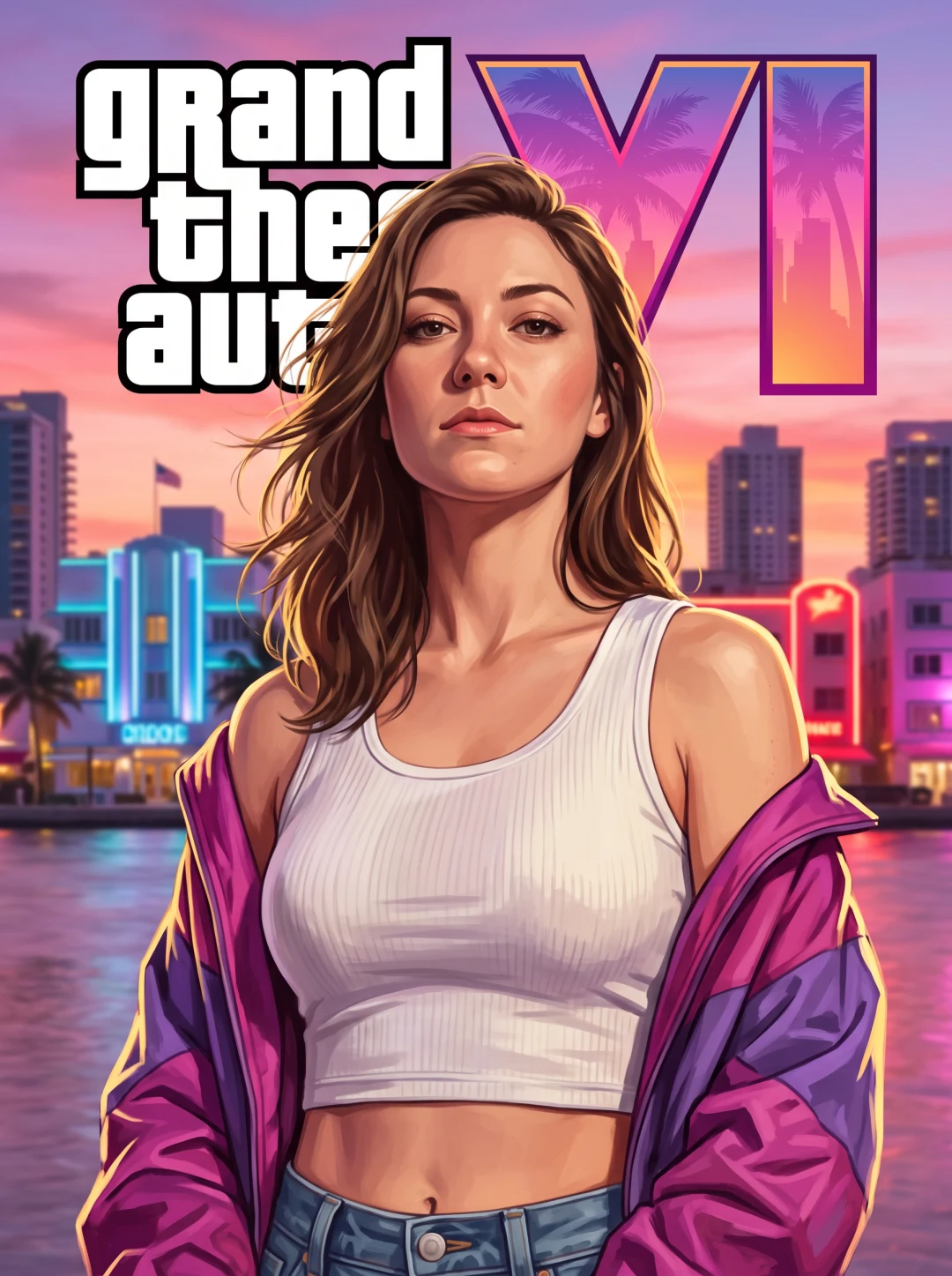
GTA 6 Poster Generator
1 photo · 2K Portrait · 3:4, 9:16, or 1:1
60 credits
GTA 6 AI PHOTO & VIDEO HUB
Upload an ordinary selfie or couple photo and step straight into Vice City—no prompt writing, no app download, and zero watermarks. New accounts receive 60 free signup trial credits, enough to generate a 2K Rockstar-style cover poster (60 credits) or a clean loading-screen wallpaper across 5 Vice City scenes (60 credits) for free—or upgrade to 15–16s animated GTA farewell videos with original sound.
4 READY-MADE TEMPLATES
+60 free1 photo · 2K Portrait · 3:4, 9:16, or 1:1
60 credits
 +60 free
1 photo · 2K Portrait · 3:4, 9:16, or 1:1
60 credits
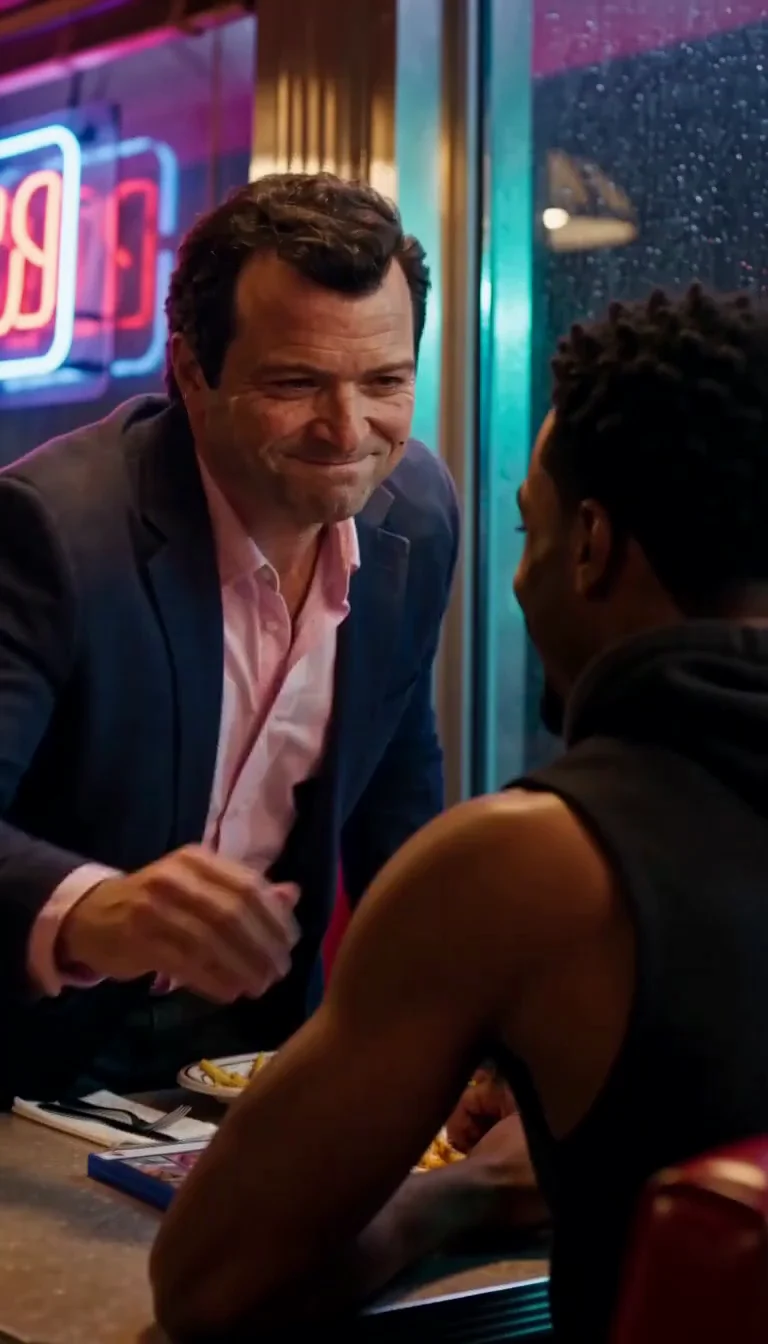
1 photo · 16 sec · 9:16
1,520 credits
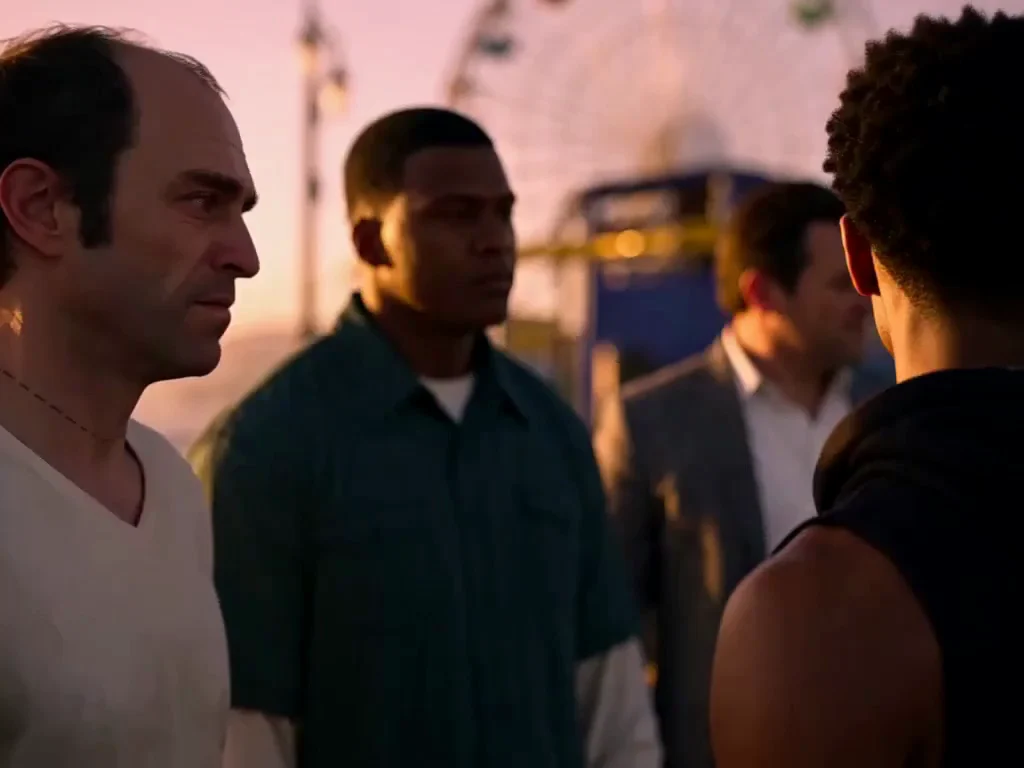
1 photo · 15 sec · 4:3
1,430 credits
| Template | Output | Logo / Sound | Formats | Credits |
|---|---|---|---|---|
| GTA 6 Poster Generator | 2K Cover Image (3 styles) | Grand Theft Auto VI logo behind head | 3:4 Cover · 9:16 Wallpaper · 1:1 PFP | 60 credits |
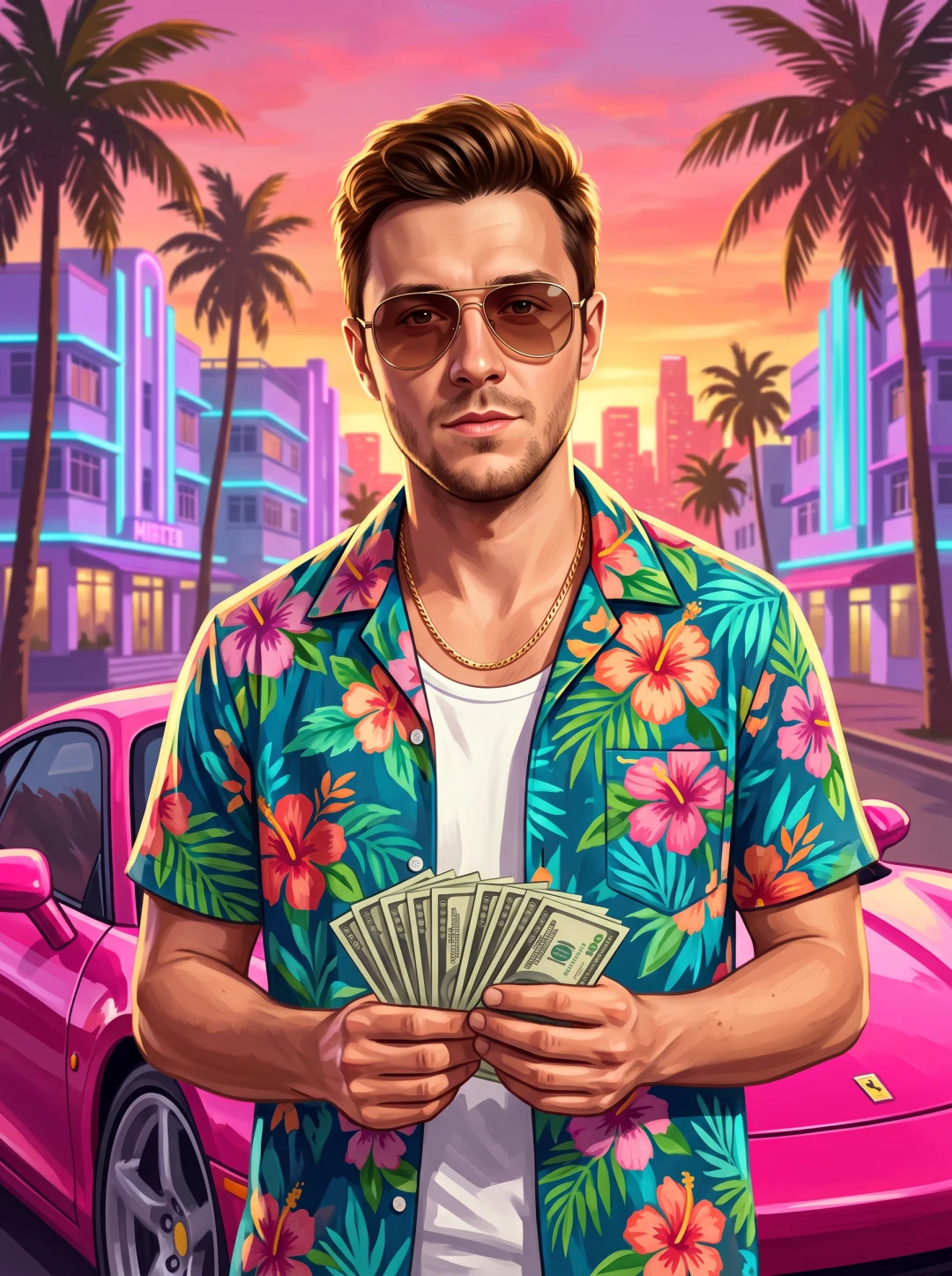
| GTA Loading Screen Generator | 2K Art Image (5 styles) | Clean art (no text or logo) | 3:4 Cover · 9:16 Wallpaper · 1:1 PFP | 60 credits |
| GTA Diner Handover | 16s MP4 AI Video | Original neon-diner soundtrack | 9:16 Vertical (TikTok / Reels) | 1,520 credits |
| GTA 5 Sunset Goodbye | 15s MP4 AI Video | Original pier farewell soundtrack | 4:3 Classic | 1,430 credits |
GTA 6 Poster Generator renders the stacked Grand Theft Auto VI logo behind your head in 3 Vice City cover styles. GTA Loading Screen Generator keeps the image 100% free of logos or text across 5 Vice City scenes (Loading Screen Art, Ocean Drive, Nightclub Boss, Heist Duo, and Vice Beach)—ideal for phone wallpapers and profile pictures.
Yes. Upload one ordinary selfie or couple photo to generate 2K watermark-free GTA 6 posters and loading screens in 15–30 seconds (60 credits), or star in 15–16 second animated GTA farewell videos with original sound using GTA Diner Handover and GTA 5 Sunset Goodbye.
Yes. Plain indoor selfies, park portraits, and couple photos work cleanly. The AI preserves every real face, hairstyle, and the exact number of people while replacing your pose, outfit, and background with Vice City cars, sunsets, neon hotels, and skylines.
Both GTA 6 Poster Generator and GTA Loading Screen Generator export crisp 2K watermark-free images in your choice of 3:4 Cover (posts), 9:16 Wallpaper (phone lock screens & Stories), or 1:1 PFP (avatars).
Most GTA character filter apps stamp thick cartoon outlines over your face and distort your likeness. AI4MEME preserves your real face, skin tone, and hairstyle in crisp 2K Rockstar-style airbrushed key art—while upgrading your pose, outfit, and Vice City background with zero watermarks and no app download.
No. All GTA-inspired photo and video templates on AI4MEME are independent fan-style AI templates for personal posts, wallpapers, and memes—not official Rockstar Games artwork.
Want to study the art direction or copy Vice City prompts? Read our GTA 6 AI Prompt & Style Guide. Independent fan-style generator—not affiliated with or endorsed by Rockstar Games or Take-Two Interactive.