
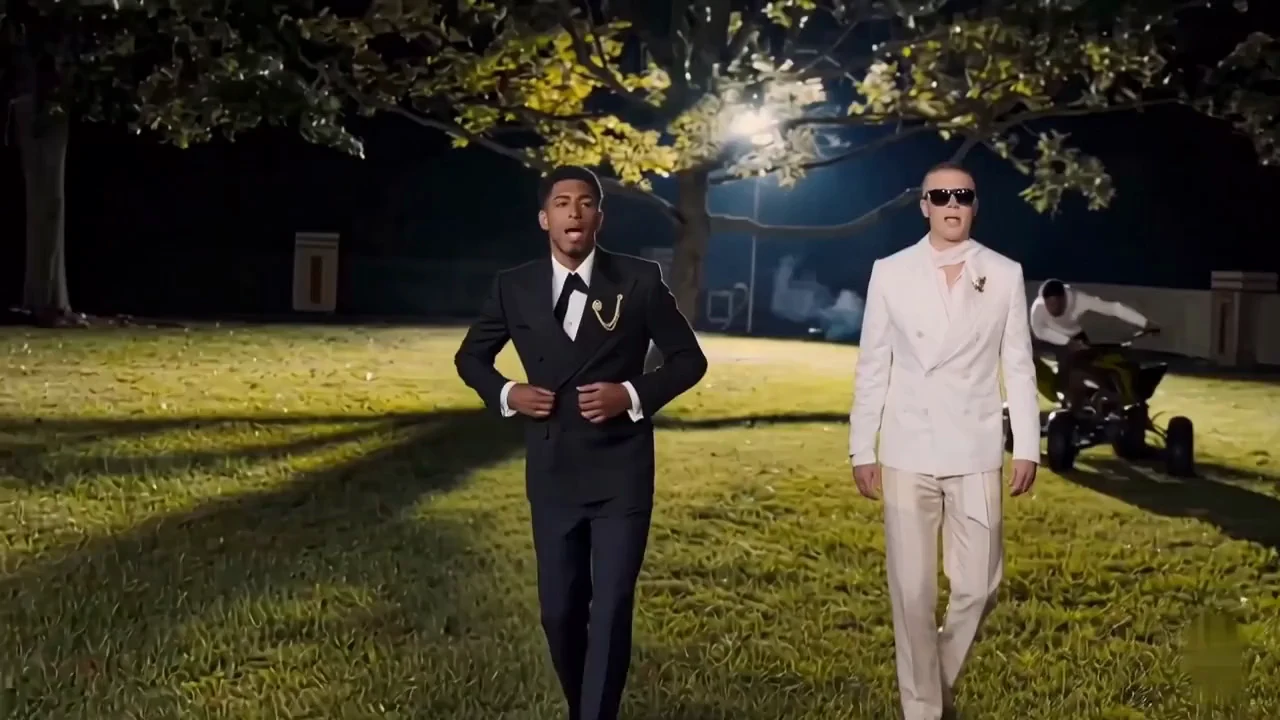
Bandit — YB & Juice WRLD
2 photos · 15 sec · 16:9
1,140 credits
TUTORIAL · PROMPTS · TIKTOK SPECS · TROUBLESHOOTING
A complete beginner-friendly guide to turning 1, 2, or 3 photos into funny AI dance and reaction videos for TikTok, Instagram Reels, and YouTube Shorts—including our 5-step browser workflow, copy-paste AI meme prompts, and troubleshooting fixes.
OPTIONAL PROMPTS FOR EXTERNAL TOOLS
In AI4MEME, you never need to write a text prompt—just upload your photo into a ready-made scene for 1-click choreography, camera timing, and music. If you want manual prompt control inside external text-to-video tools like Kling, Runway, or Pika, you can copy the reference prompts below instead.
| Meme Concept & Best Photo Type | Copy-Paste Image-to-Video Prompt | No-Prompt AI4MEME Scene |
|---|---|---|
| 1. The synchronized 3-friend holiday dance Best for: 3 friends, coworkers, or family members | "Three friends in matching festive outfits suddenly perform a perfectly synchronized, high-energy Christmas dance routine. Preserve every person’s recognizable face and hairstyle. Full-body shot, 15 seconds, vertical 9:16 with upbeat holiday music." | Jingle Bell Brazil Dance (3 photos · 15s · 9:16) |
| 2. The 90s R&B trio dance crew Best for: 3 friends in a group chat | "Three friends exchange serious looks and break into a synchronized 90s R&B hip-hop dance trio on stage. Keep all three faces sharp and consistent across the choreography. 16 seconds, 4:3 music-video framing with audio." | No Scrubs (3 photos · 16s · 4:3) |
| 3. The winter wonderland couple waltz Best for: Couples, best friends, or duo memes | "Two people dressed in winter coats perform a playful, synchronized snowman waltz together in a snowy scene. Keep both faces recognizable and natural. Smooth full-body motion, 16 seconds, vertical 9:16." | Snowman Dance (2 photos · 16s · 9:16) |
| 4. The absurdly confident solo street dance Best for: 1 selfie or full-body photo | "The person suddenly breaks into an ultra-confident urban street dance with sharp arm swings and rhythmic footwork. Keep the original face recognizable. Smooth motion, 12 seconds, widescreen 16:9." | Vossi Bop (1 photo · 12s · 16:9) |
| 5. The luxury main-character rooftop toast Best for: 1 photo — promotions, birthdays, or Friday celebrations | "The person stands at a luxury rooftop infinity pool at golden hour, turning toward the camera with main-character confidence as cinematic light reflects off the water. 11 seconds, vertical 9:16." | Infinity Pool (1 photo · 11s · 9:16) |
| 6. The walking-away-from-chaos reaction meme Best for: 1 photo — quitting, finishing finals, or Friday at 5 PM | "The person walks calmly toward the camera in slow motion with a deadpan heroic expression while dramatic flames and sparks erupt behind them. Comedic action-movie lighting, 10–15 seconds." | Burning Bridges (1 photo · 5–15s · 16:9) |
| 7. The dramatic double-take reaction ("Bby Wow") Best for: 1 photo — shocked or flirty reaction memes | "The person starts with a calm expression, notices something off-camera, and delivers an exaggerated, comedic ‘wow’ reaction with expressive head and eye movement. 10 seconds, vertical 9:16." | Bby Wow (1 photo · 10s · 9:16) |
| 8. The cinematic apocalyptic romance duo Best for: 2 photos — couples or dramatic best-friend memes | "Two people share a dramatic, hilarious ride-or-die moment together in the middle of a cinematic zombie movie scene. Preserve both faces clearly across camera cuts. 26 seconds, vertical 9:16." | Zombie Love (2 photos · 26s · 9:16) |
EXPORT SETTINGS & CAPTION IDEAS
| Setting | Best Practice for Viral Reach | What AI4MEME Exports |
|---|---|---|
| Aspect Ratio | 9:16 vertical for full-screen mobile feeds | Native 9:16 on 7 of 14 video scenes (plus 16:9 and 4:3 options) |
| Duration | 10–16 seconds so the visual punchline lands immediately | 5s to 26s depending on template (all with sound) |
| Watermark | Clean video without distracting third-party logos | 100% watermark-free MP4 on every credit pack and plan |
| Relatable Caption Hook | Add a short POV joke in the first 2 seconds (e.g., “POV: The boss cancels the Monday meeting” or “Me and the boys when payday hits”) | Clean framing leaves room for native TikTok/Reels text overlays |
FIXES & AUTOMATIC REFUND PROTECTION
Unlike tools that burn your daily quota when a render glitches, AI4MEME automatically refunds reserved credits to your balance within seconds if a video ever fails to complete.
| Problem | Likely Cause | How to Fix It |
|---|---|---|
| "Upload failed" or photo rejected | Unsupported file format, oversized image, or obscured face | Use a clear JPG, PNG, or WebP photo of one adult per upload slot with the face and hair unobstructed. Avoid sunglasses, heavy face filters, or screenshots with UI overlays. |
| Wrong number of people or swapped faces | Uploading a group photo into a single-person slot | Crop group photos so each upload slot contains exactly one person. Assign each cropped portrait to the Left, Center, or Right role. |
| Face or limbs look slightly distorted in motion | Low-resolution input photo, extreme side angle, or cropped forehead | Upload a sharp, front-facing photo taken in even lighting. On multi-person dance templates, generate a full-body character portrait first so the outfit and body proportions are locked in before animation. |
| Stuck on "Making your meme…" for several minutes | Multi-person HD video rendering in the model queue | Solo 480p clips take 1–3 minutes; 2-person and 3-person 720p dances take 3–6 minutes. You can safely close the tab—your job continues in the background and appears in My Creations. |
| "Generation failed" after clicking Generate | Temporary upstream AI model timeout or unreadable input photo | Do not worry about lost money: AI4MEME automatically refunds reserved credits to your account balance within seconds whenever a generation fails. Check your balance and retry with a clearer photo. |
SKIP THE PROMPTS
Every scene below has pre-tested motion, camera work, and sound—just upload 1, 2, or 3 photos.
2 photos · 15 sec · 16:9
1,140 credits
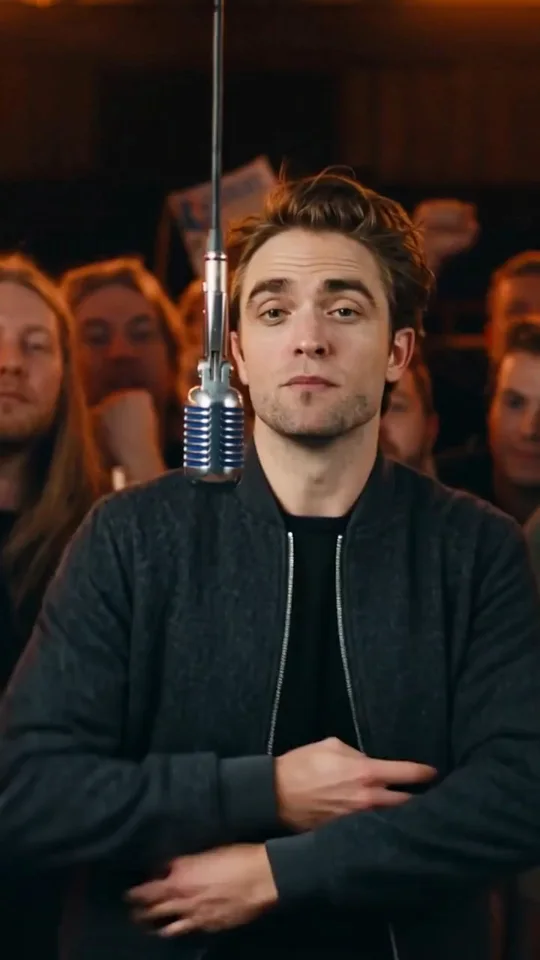
1 photo · 14 sec · 9:16
830 credits
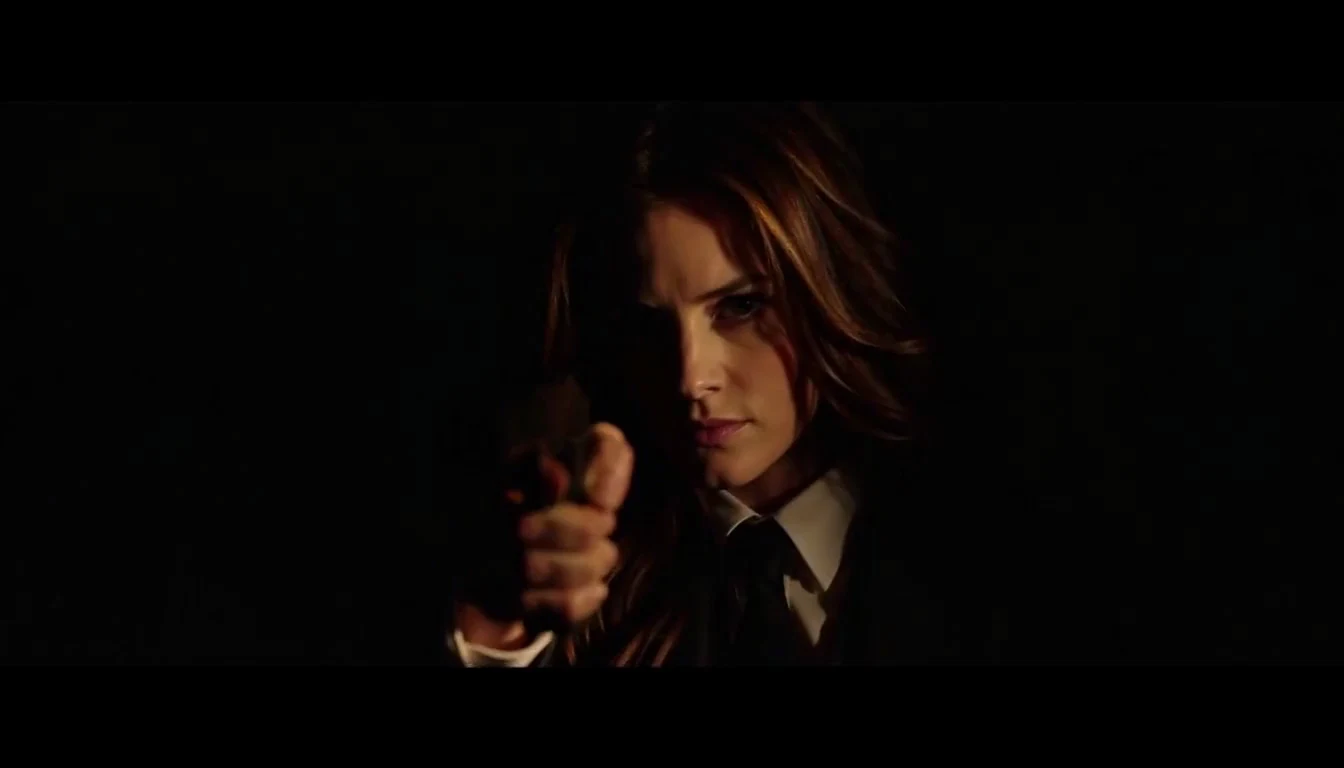
1 photo · 8 sec · 16:9
760 credits
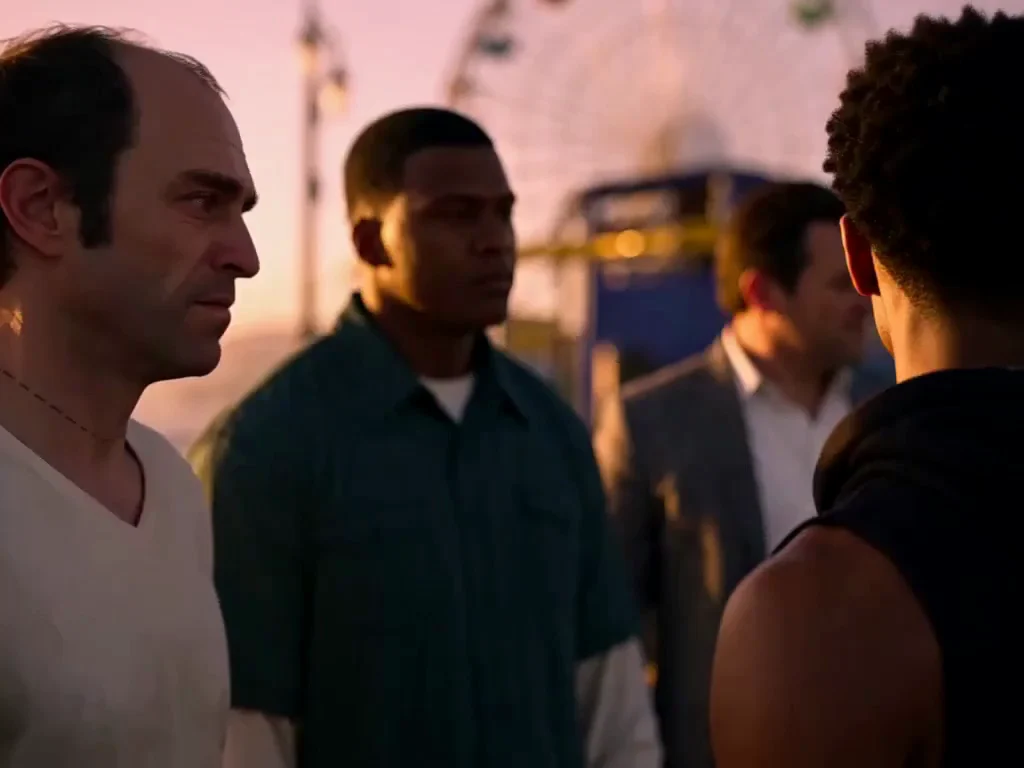
1 photo · 15 sec · 4:3
1,430 credits
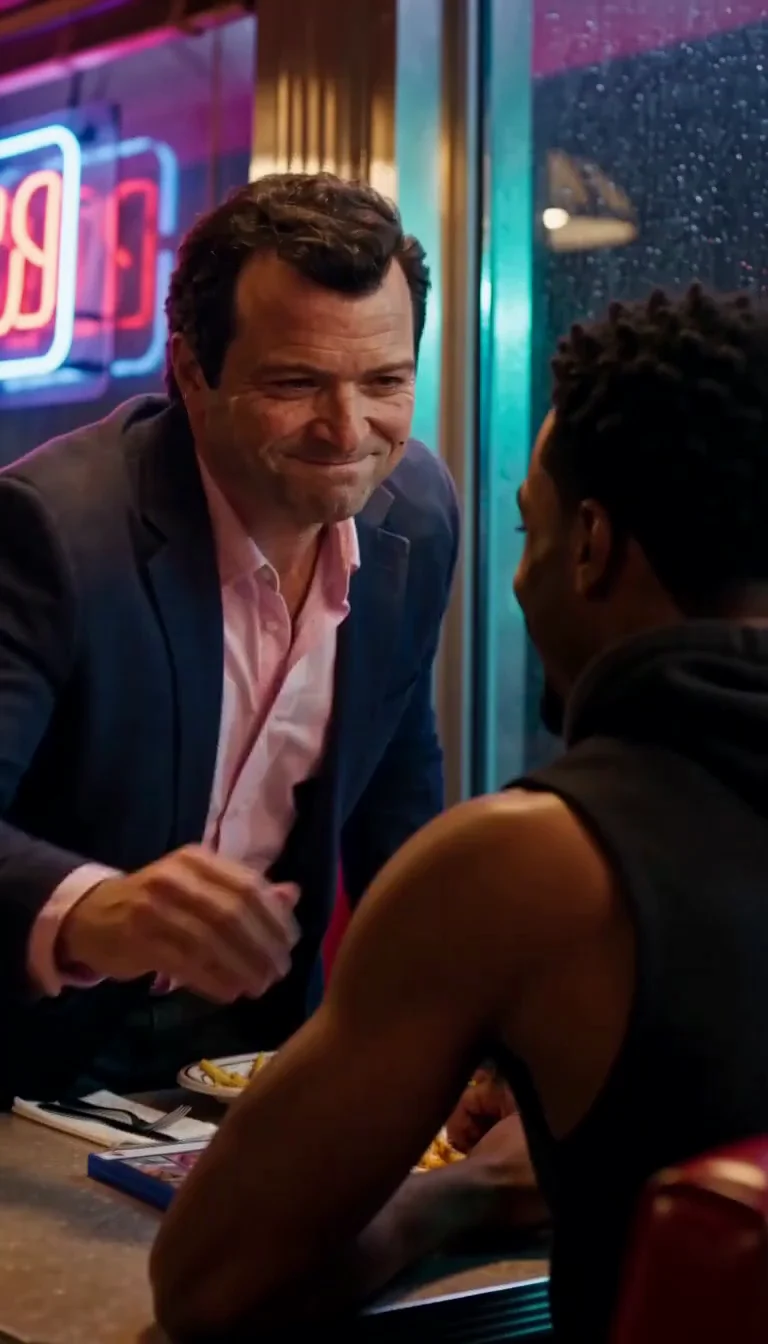
1 photo · 16 sec · 9:16
1,520 credits
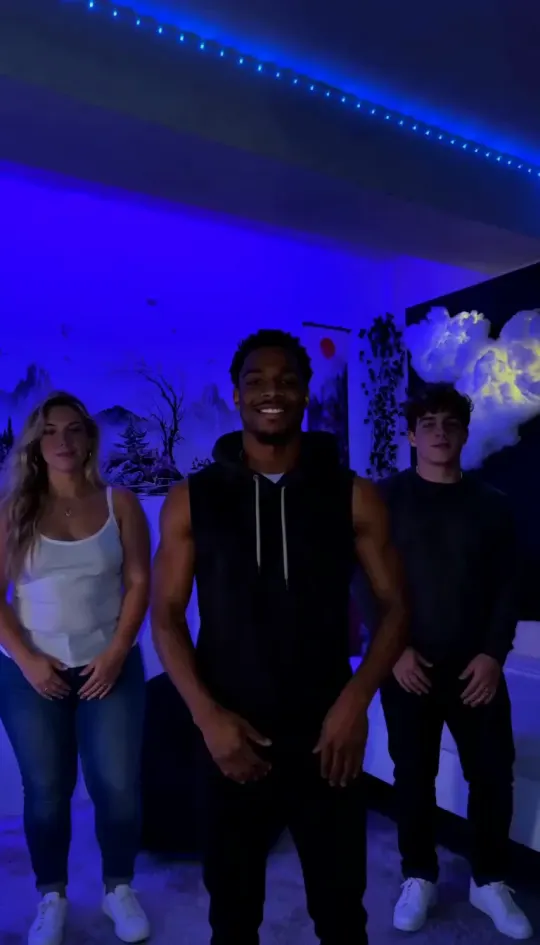
3 photos · 15 sec · 9:16
1,430 credits
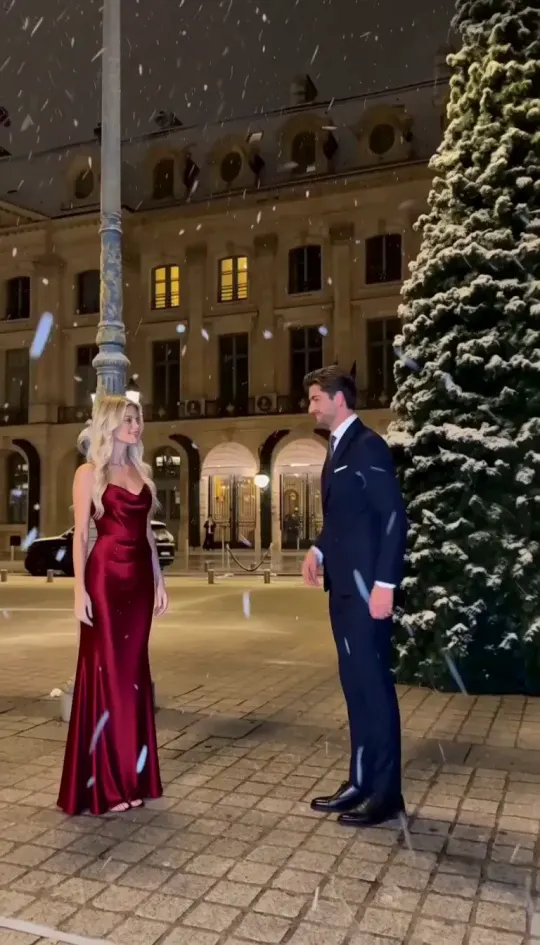
2 photos · 16 sec · 9:16
1,520 credits
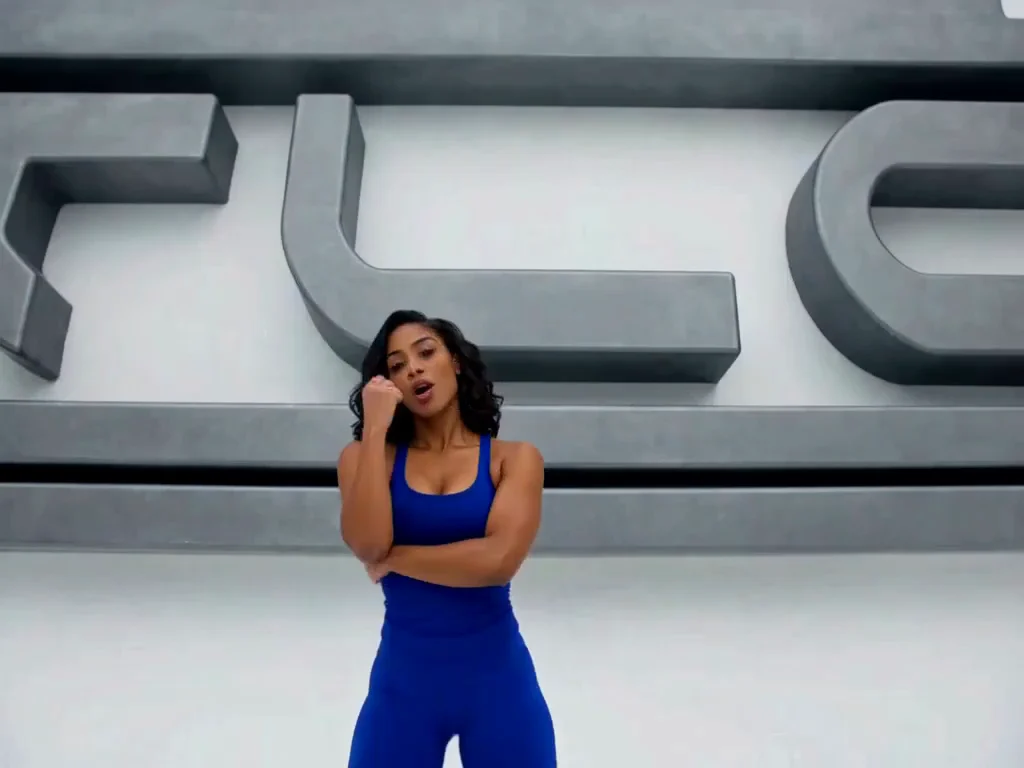
3 photos · 16 sec · 4:3
1,520 credits
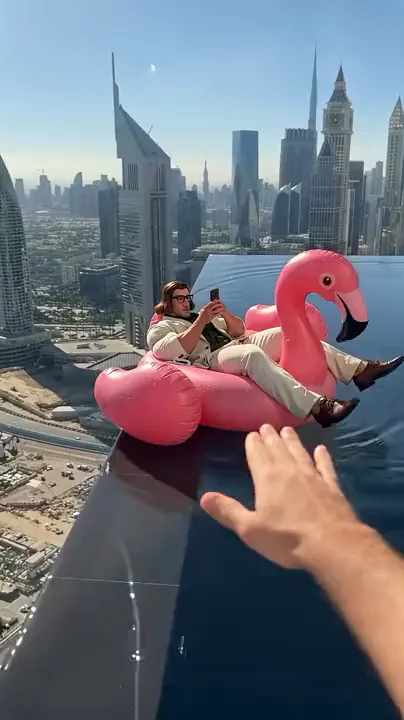
1 photo · 11 sec · 9:16
From 190 credits
1 photo · 12 sec · 16:9
From 190 credits
1 photo · 15 sec · 16:9
1,430 credits
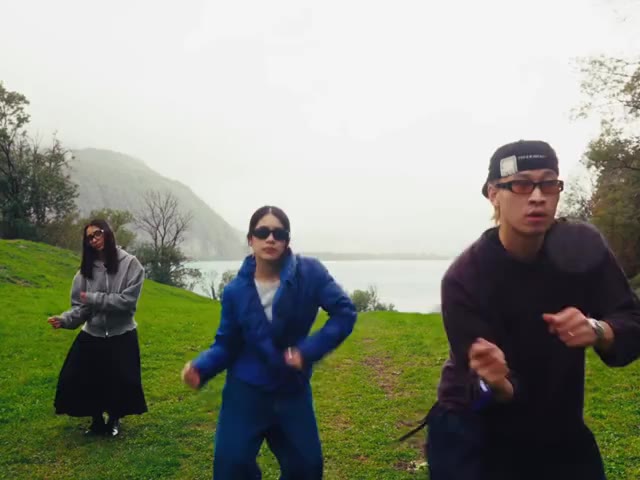
3 photos · 15 sec · 4:3
1,430 credits
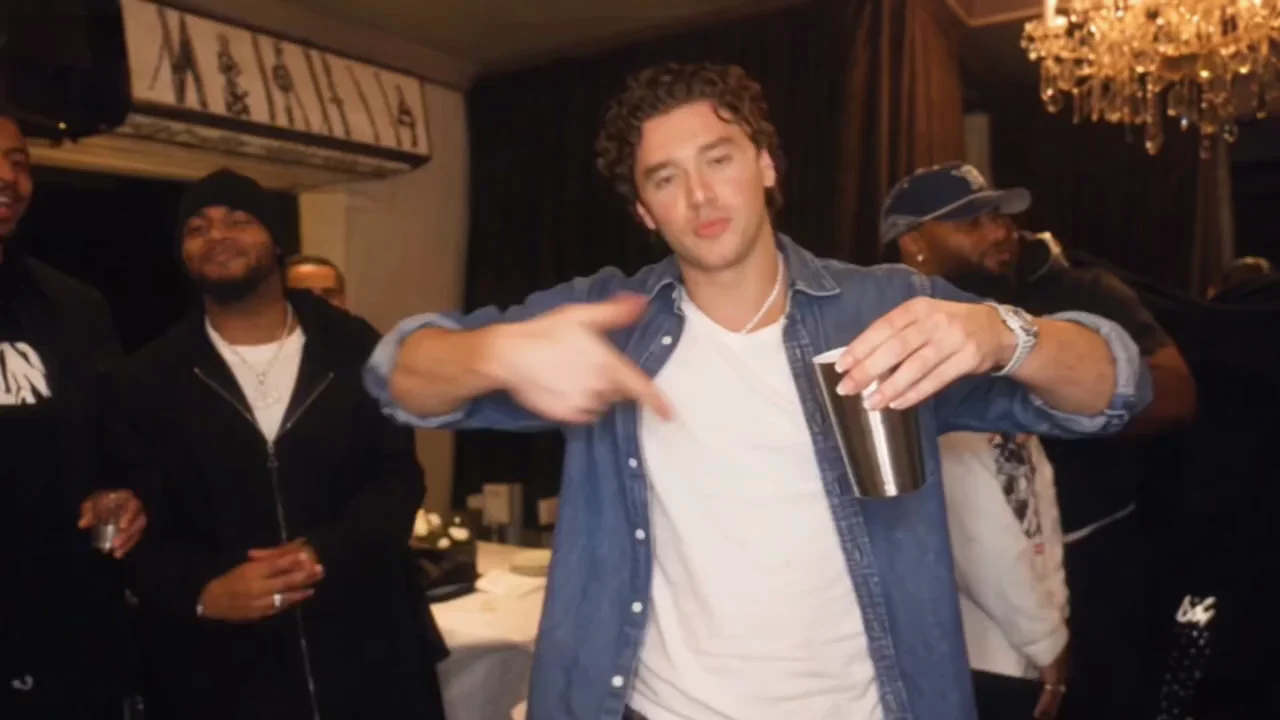
1 photo · 5–15 sec · 16:9
From 250 credits
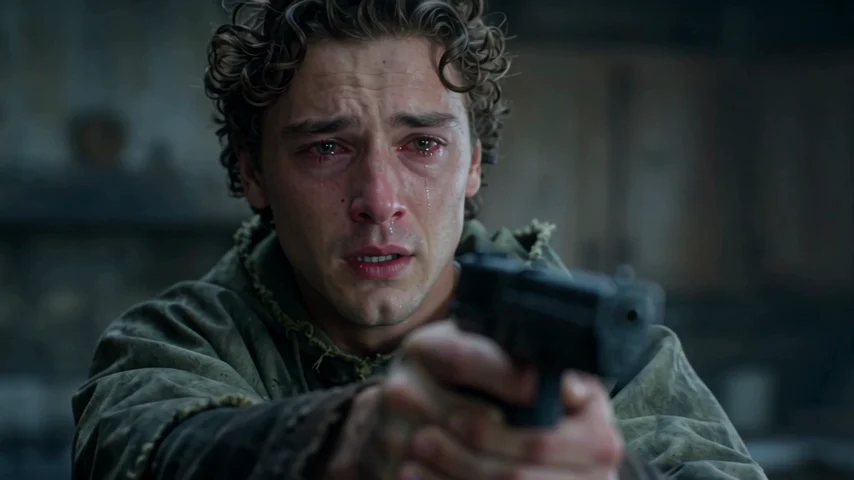
2 photos · 26 sec · 9:16
From 820 credits
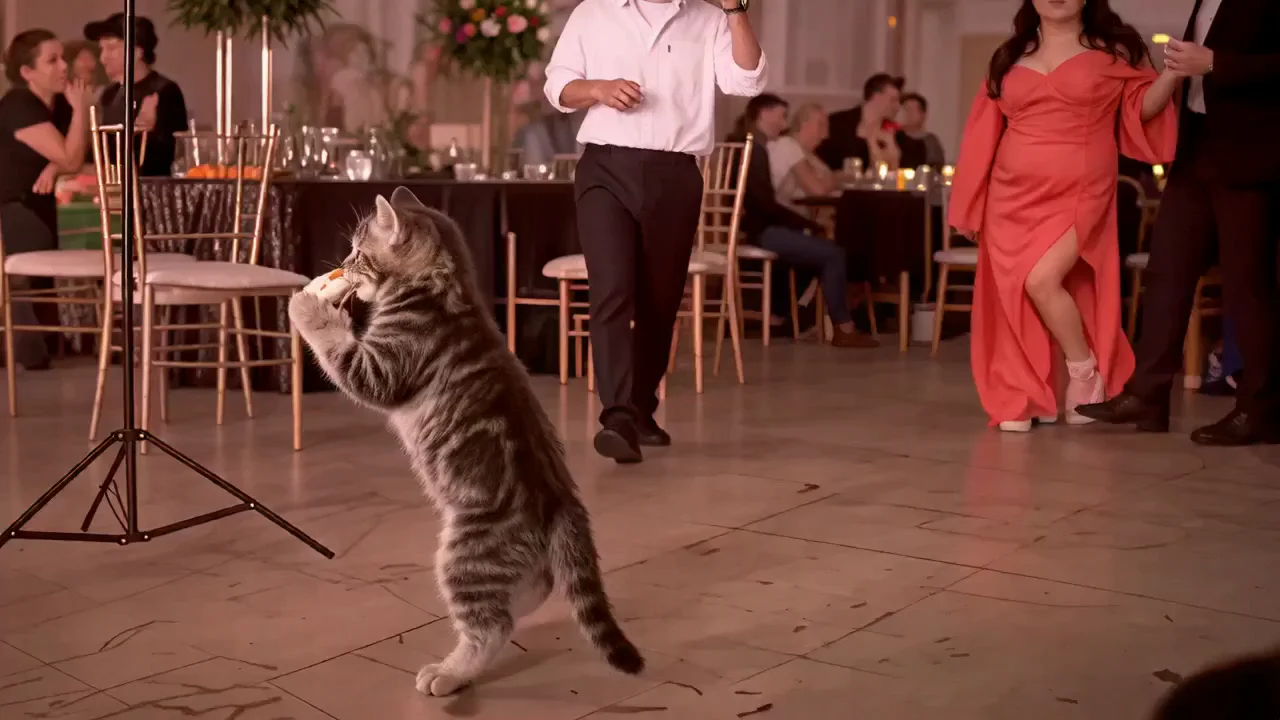
1 photo · 10 sec · 9:16
1,260 credits
Yes: (1) Open ai4meme.com in your mobile or desktop browser, (2) choose a 1-person, 2-person, or 3-person video scene, (3) upload one clear photo per role, (4) click Generate and wait 1–6 minutes, and (5) download your watermark-free MP4 with synchronized sound to post on TikTok, Instagram Reels, or YouTube Shorts.
Not on AI4MEME. While general image-to-video tools like Kling, Runway, or Pika require you to write motion and camera prompts from scratch, AI4MEME uses fixed motion templates where the choreography, camera framing, and audio are already built in. If you use a prompt-based tool, you can copy our 8 tested meme video prompts on this page.
Most failures happen when a single upload slot contains multiple people, the face is covered by sunglasses or heavy filters, or the upstream AI provider times out. On AI4MEME, reserved credits are finalized only when your MP4 succeeds—if a generation ever fails, 100% of the reserved credits are automatically refunded to your account balance within seconds.
Yes. AI4MEME works directly in Safari and Chrome on iPhone and Android without installing an app. You can upload photos from your camera roll and save the finished 9:16 MP4 directly to your phone.
Previewing every template and generating your first full-body AI character portrait after sign-in are free. Rendering a finished MP4 video uses paid credits, and every download is 100% watermark-free. You can buy a one-time credit pack with no subscription (from US$9.99 for 1,550 permanent credits) or subscribe from US$9.99/month for 1,600 monthly credits.